This simple old clinic record archiving guide for remote workers came from my messy desk and one patient clinic manager. I used to save files as final2 and promise to scan them later, which meant later never came. Remote work makes that habit worse because nobody walks past your desk and spots the pile. Good archiving is not fancy. It is a routine that keeps records safe and ready fast.
1. Check Your Clinic Rules Before You Touch a File
Every clinic has its own rules, and guessing is how good people get into trouble. Ask your manager or records lead for the written archiving policy, the retention period, and the approved storage system. Some clinics want everything in Google Drive, others use a shared server or a specific records app, and paper originals may need to stay on site. Write the key rules on a sticky note near your desk until they become habit. Check who can view archived files, how long you keep them, and what counts as a completed record. If the policy is vague, ask for one clear example. A five minute question now beats a frantic search later when an auditor, a doctor, or a patient asks for a file you thought was safe. That is why this simple old clinic record archiving guide for remote workers starts with rules, not folders. Keep a printed copy of the retention schedule where you can see it, and check it before you shred anything that looks old but might still be needed.
2. Sort Records Into Keep, Scan, and Shred Piles
Sorting sounds boring until you try to find one referral letter in a box of mixed paper. Make three clear piles or folders: keep as paper, scan then shred, and shred now. Keep originals only when your clinic says so, such as signed consent forms or legal documents. Scan referral letters, lab results, and visit notes that need a digital copy, then shred the paper once the scan is checked. Shred duplicates, blank forms, and anything past its retention date, following your clinic rules. Work in small batches of ten files so the job feels doable and mistakes stay small. Put a timer on for 25 minutes if you need a nudge. Sorting first stops you scanning junk and gives every file a clear next step. Label each pile with a sticky note so a family member does not tidy it away by mistake. I learned that after a well meaning clear up mixed my scan pile with recycling, and I spent an evening sorting it all over again.

3. Remove Personal Details Before You Share Anything
This step matters more than speed, so do it before a file leaves your hands. Archiving is not the same as sharing, and a record that is safe in your clinic system can become a problem in an email or a shared folder. Check the name, date of birth, address, phone number, and any patient identifiers on every page, including handwritten notes in the margins. Follow your organisation’s rules on redaction, and ask if you are unsure whether a detail should stay. Use your clinic’s approved tool rather than a random free app that might store a copy. I once found a patient phone number on the back of a scanned form, which taught me to check both sides. Slow down here. Privacy is the part you cannot fix with a quick rename later. Double check scanned copies too, since a clear scan can still show a name in a footer. When in doubt, leave the detail out and ask your manager, because a short delay is far better than a privacy breach you cannot undo.
4. Scan Cleanly So You Never Have to Rescan
A bad scan wastes more time than a slow scan, because someone has to find the paper again and do the whole job twice. Wipe the scanner glass, flatten folded pages, and remove staples before you start. Use Adobe Scan or your clinic scanner at a clear setting, usually 300 dpi for text, and check the first page before you scan the rest. Make sure every page is upright, fully visible, and free of shadows from your hand or a curled corner. Save as PDF unless your clinic asks for something else, since PDFs open on almost any device. Name the file straight away, while the details are fresh in your head. If a page is blurry, rescan it now. Your future self will thank you at 4 pm on a Friday. Keep a spare set of scanner settings saved for thin paper and handwritten notes, which often need a gentler touch. If your clinic uses a shared scanner, wipe it after use and log any jam, so the next person does not inherit your problem.
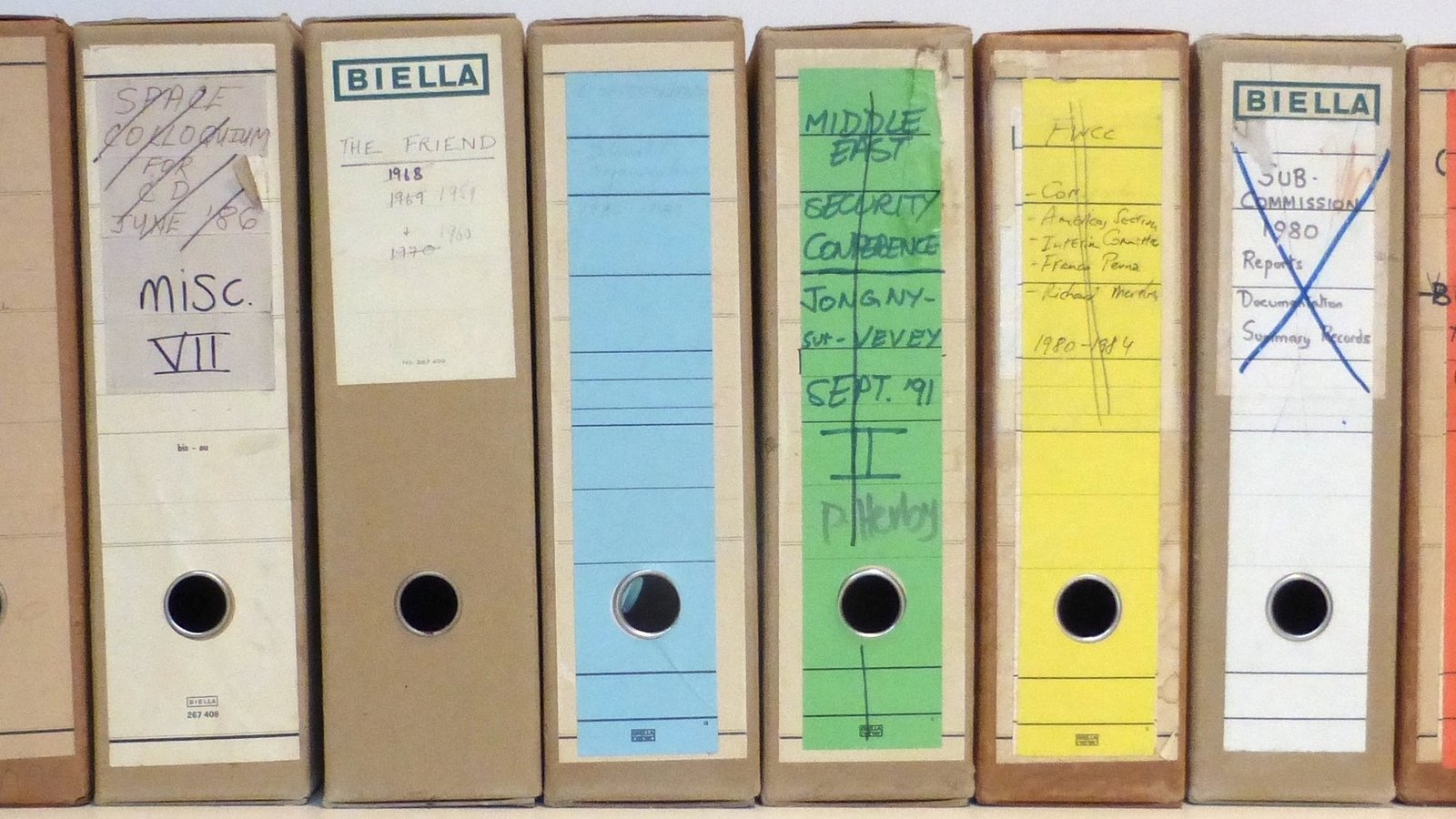
5. Simple Old Clinic Record Archiving Guide for Remote Workers: Build a Filing System You Can Trust
A filing system only works if you can use it when you are tired, busy, or covering for someone else. Pick one clear folder structure and stick to it, such as year, then month, then record type. Keep folder names short and consistent, so Referrals stays Referrals and does not become Refs on a rushed day. Use the same date format everywhere, like 2026-11-11, because mixed formats sort badly and hide files. Store active files apart from archived files, and mark archived folders clearly so nobody edits them by accident. Test your system by asking a colleague to find a file without your help. If they cannot find it in two minutes, your system needs simpler labels. A good system feels dull, and dull is exactly what you want here. Avoid creating a new folder for every small exception, since exceptions soon outnumber the rules. If a file does not fit, ask where it belongs and add the answer to your notes, so the next odd file takes seconds instead of a debate.
6. Name Files So a Stranger Could Find Them
File names are tiny decisions with big consequences. A name like scan001 tells nobody anything, while a clear name saves a phone call and a search through ten folders. Use a simple pattern every time, such as date, record type, and a safe identifier your clinic approves. Keep names short, skip special characters, and use underscores or hyphens instead of spaces if your system prefers them. Do not put a patient’s full name in a file name unless your clinic policy allows it, and never use a nickname. Check your spelling before you save, because a typo can hide a file for months. I once spent an hour looking for a file I had saved as referal, so I now read the name twice. Boring names win. Keep a short list of approved abbreviations near your desk, and share it with anyone who covers your work. Consistency matters more than cleverness here, and a plain name that everyone understands beats a smart code that only you can read.
7. Back Up Your Work and Check It Actually Opens
Saving a file once is not the same as keeping it safe. A laptop can die, a sync can fail, and a folder can vanish after an update, usually on the day you need it most. Save finished archives in your clinic’s approved storage, such as Google Drive or Dropbox, and follow its backup rules rather than keeping the only copy on your desktop. Check that the file opens, that all pages are there, and that the text is readable before you delete the paper copy. Do a quick spot check each week by opening three random archived files. If one fails to open, fix the problem and check the rest of that batch. A backup you never test is just a hope with a folder icon. Test it, then relax. Note the backup date in your log, so you can prove when a file was safely stored. If your clinic changes storage systems, ask for a short training session rather than guessing, because a wrong click in a new system can move files to the wrong place.
8. Log What You Archive in a Simple Spreadsheet
A log sounds like extra work, but it is the fastest way to prove a file exists and find it again. Keep a simple spreadsheet with the date archived, record type, file name, storage location, and who archived it. Add a notes column for anything unusual, such as a missing page or a damaged original. Update the log as you go, not at the end of the week when the details have blurred. Use filters so you can search by date or record type in seconds. Share the log only through your clinic’s approved system, and keep patient details out of it unless your policy says otherwise. When someone asks where a record went, your log gives a calm answer instead of a shrug. That calm is worth the extra minute per file. Colour code the log by record type if that helps you scan it quickly, but keep the columns the same for everyone. A log that only you understand is not much better than no log, so ask a colleague to try a quick search and fix anything that confuses them.

9. Set a Weekly Archiving Slot and Stick to It
Archiving fails when it becomes a job for someday, and someday is always busy. Pick one regular slot each week, such as Friday at 3 pm, and treat it like a real appointment. Clear your desk, close extra tabs, and work through the week’s records in one focused block. Start with the oldest files, since they are the ones most likely to get lost. End each session by checking your log, emptying your scan folder, and noting anything that needs a manager’s decision. If you miss a week, do not try to catch up in one heroic session. Just do the next slot and work through the backlog in small batches. Small, regular effort keeps the pile small, and a small pile never turns into a weekend job. Put your phone on silent and tell your household you are in a focus block, since small interruptions stretch a 30 minute job into an hour. Reward yourself after the session with a proper break, because a routine you dread is a routine you will soon skip.
10. Review, Shred, and Tidy Your Archive Every Quarter
An archive is not a cupboard you fill and forget. Set a quarterly reminder to review what you have stored, check that folders still make sense, and remove anything past its retention date. Open a few older files to confirm they still open and read clearly. Shred paper and delete digital copies only when your clinic policy and retention schedule allow it, and record the disposal in your log. Fix any odd file names, merge duplicate folders, and update your sticky note if a rule has changed. Ask your manager if any categories need a new folder or a different retention period. This tidy session takes about an hour, and it stops small messes from growing into a full archive rebuild. Future you is already grateful. Take a photo of your tidy desk and folders after each review, so you can see how the system should look. If a new starter joins, that photo plus your notes gives them a clear starting point without a long handover meeting.
FAQs
What is the easiest way to start archiving clinic records from home?
Start with one small batch and one clear system. Sort ten files, scan them cleanly, name them the same way, and log each one before you move on. Do not try to fix years of backlog in a day. A short daily habit beats a rare big clear out, and you learn as you go.
How often should remote workers archive clinic records?
Archive little and often, ideally at the end of each working day or in one weekly slot. Daily filing keeps the pile small and the details fresh, while a weekly slot suits lighter workloads. Pick the rhythm your clinic expects, put it in your calendar, and treat it as part of the job rather than an optional extra.
Can I store clinic records on my personal Google Drive or Dropbox?
Only if your clinic has approved that exact account and setup, which is rare. Most clinics want records in their own managed system, with proper access controls and audit trails. Personal drives can mix patient data with family photos and create a privacy risk. Ask your manager first, and use the approved storage every time.
What should I do if a scanned record is blurry or missing a page?
Rescan it straight away while you still have the paper in hand. Check the scanner glass, flatten the page, and preview the result before you save. If the original is damaged or a page is truly missing, note it in your log and tell your manager. Never guess what the missing page said.
How long should I keep old clinic records before shredding them?
That depends on your clinic, your country, and the record type, so there is no single safe answer. Follow your organisation’s written retention schedule, and ask your records lead if you cannot find it. Never shred based on a guess or a habit from a past job. Record the disposal date in your log.
Does this simple old clinic record archiving guide for remote workers work for paper and digital files?
Yes, the same routine works for both, with one small change. Paper needs sorting, scanning, and secure shredding, while digital files need clear names, the right folder, and a log entry. Keep the steps in the same order, use your clinic’s approved storage, and check that every file opens before you call it done.
Conclusion
Use this simple old clinic record archiving guide for remote workers as a weekly habit, not a one off project. Start with one small batch, follow your clinic rules, and let clear names, a simple log, and a regular slot keep your records safe and findable.